
Instant Messaging
Boost Staff Engagement With Timely, Relevant & Effective Instant Messaging
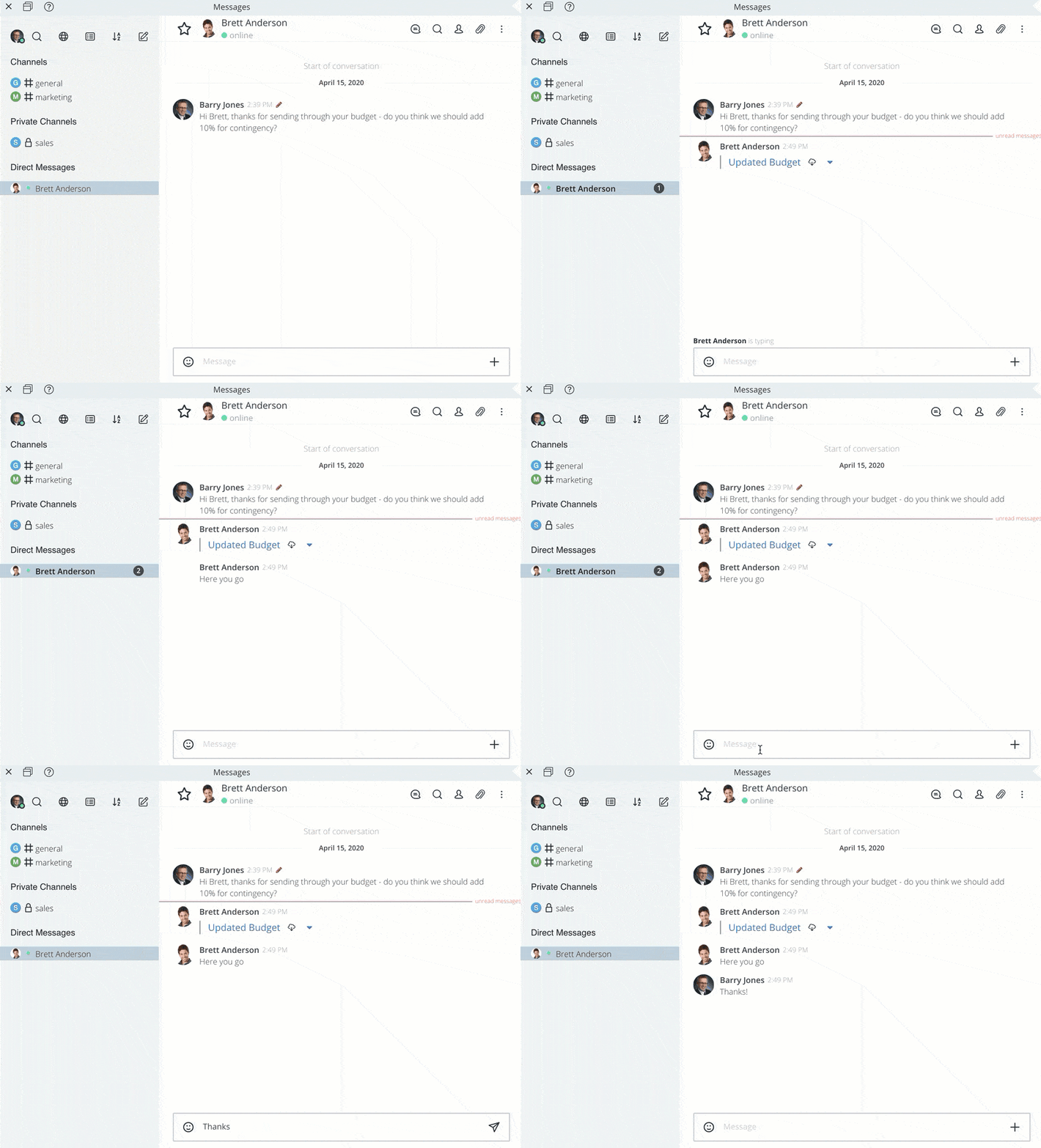
Move away from one-sided, one-way communications to more collaborative, idea-generating group discussions
- Keep staff up-to-date quickly
- Resolve issues fast
- Reduce email bloat
- Foster collaboration
- Improve message targeting
- Simplify message retrieval
Decision-Making At Its Best
Revolutionize staff communications with time-saving features such as
# hashtags
@ mentions
♕ personalization
㋡ emojis
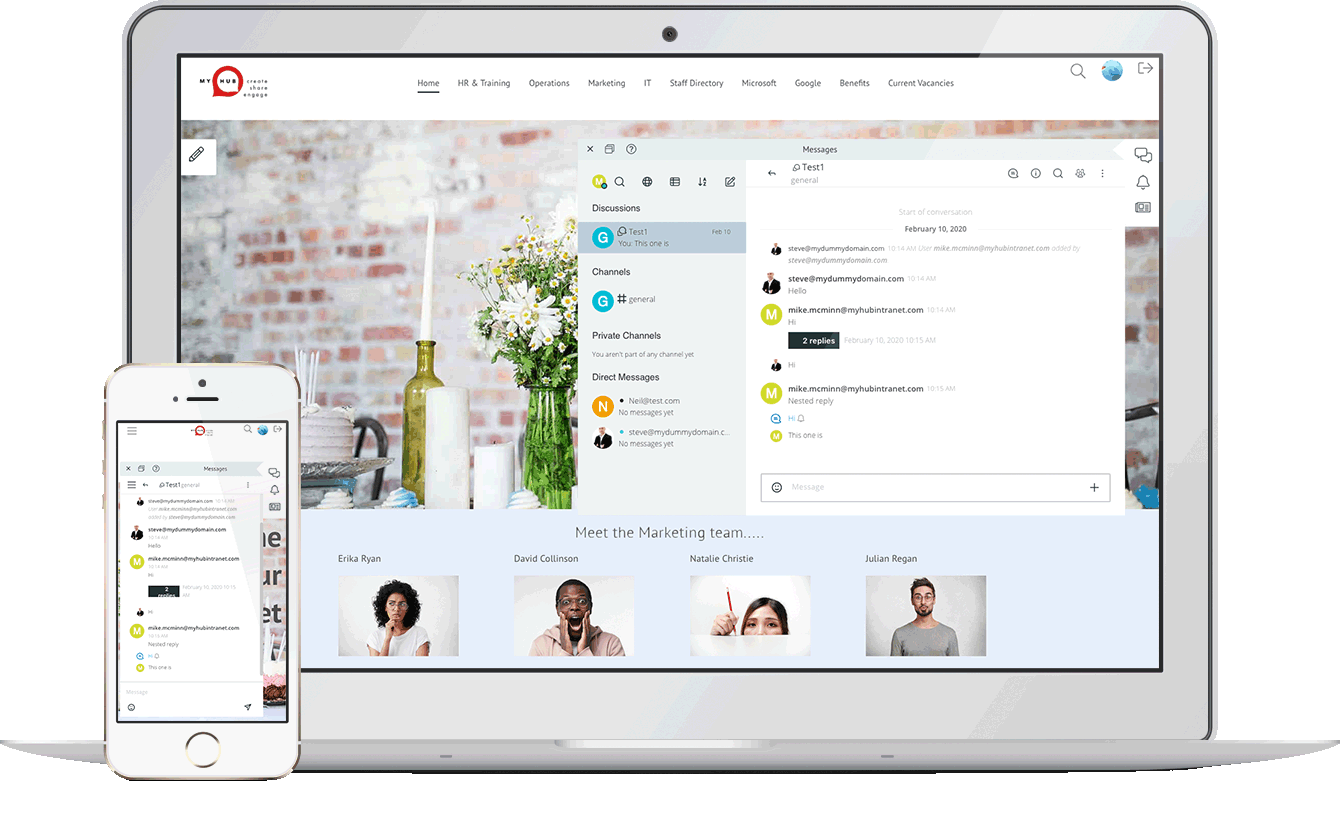
Less 'Blah'. More Action
"I find instant messaging great for quick decisions, building rapport, and catching up with my co-workers. In many ways, it’s even better than having an in-person desk chat, as you can add attach documents, add funny emojis and more!"
- MyHub Customer
MyHub's Instant Messaging Features
Discover how tagged channels, threads and messages boost relevancy and drive action
Channels
Create channels for overview topics - for example, #Marketing, #Sales, #HR, or #Operations. These can be set to private or public.
Threads
Create discussion threads around specific topics - perfect for thematic, short-term messaging.
Private Channels
Create unlimited private channels, ideal for communicating with whole departments, project groups, and small teams.
Direct Messages
For one-to-one messaging, sent direct to desktop and mobile devices.
Mentions
Share important information, assign tasks, and bring colleagues into the conversation by adding @mentions.
Social Features
Much-loved, popular social features - including emojis - are included. Plus the option to pin messages to your Chat wall, invite other users to join a Chat and so much more.

Key Benefits of Instant Messaging
Why Instant Messaging (IM) is a game-changer for getting work done
Message Relevancy
Easy targeting ensures only salient content sent.
Effective Decisions
Context and real-time discussions to agree steps.
Better Engagement
Fun-to-use, social intranet with high user appeal.
Staff Empowerment
Individual choice of who and what to follow.
Increased Efficiency
Short-form messages aids speedy resolution.
Improved Accuracy
Searchable and trackable instant messages.
Equal Voice
An ideal platform for all staff to join the conversation.
Team Collaboration
Include others in the chat with @mentions.
Quality vs Quantity
Cut the noise, invest your time in what matters.
Reduce Information
Volume of irrelevant messages minimized.
Stay Informed
Subscribe to key personnel, groups, discussions.
Message Versatility
Private messages, direct messages, or entire group.
Additional Features To Streamline Your Communications
✔ Attach documents and files to your chat
✔ Update your Availability Status
✔ Custom search by topic, date order or alphabetical
✔ Toggle ‘Read only’ setting to allow all users in the channel to write new messages
✔ Create broadcast channel where only authorized users can
✔ Toggle channels to be either public or private
✔ Set notification preferences, such as mute or alarm
✔ Integration with staff directory, making it easy to direct message anyone
✔ Respond directly to a specific message, as an in-context ‘thread’
Frequently Asked Questions
Q) How do I introduce IM to my company?
A) It’s a good idea to create a plan. Appoint a small team to help establish things like company channels, administrators, and internal launch plans. Feel free to contact us to discuss areas such as governance and IM best practice.
Q) Is MyHub’s Instant Messaging tool included in the standard fee?
A) Yes - there is no extra charge. It’s part of MyHub’s intranet solution
Q) Can I disable the IM tool at any time?
A) Yes, you can switch on or off this feature in the settings.
Top Rated in Customer Reviews