









Instant access to important information
Do you suspect searching for work files is killing your team’s productivity? Your suspicions are correct; it is. Studies suggest people waste up to 25% of their work week digging for files and other information. It’s undoubtedly the number one problem for remote working and engaging your team.
Enter MyHub. MyHub is a publishing platform designed specifically for your business. Imagine an intranet with various built-in tools to help your team quickly publish, share and find information.
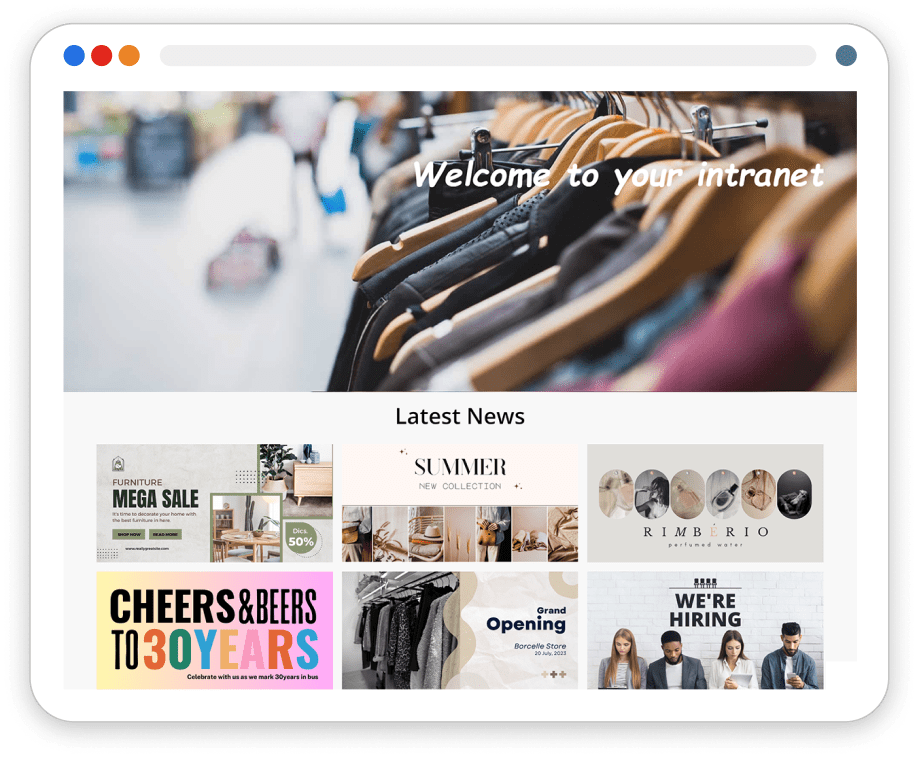

Publish information quickly and easily
It’s essential teams have the right information at the right time to do their jobs, but publishing this information takes time teams don’t have. That’s why we make publishing and managing information easy and quick.

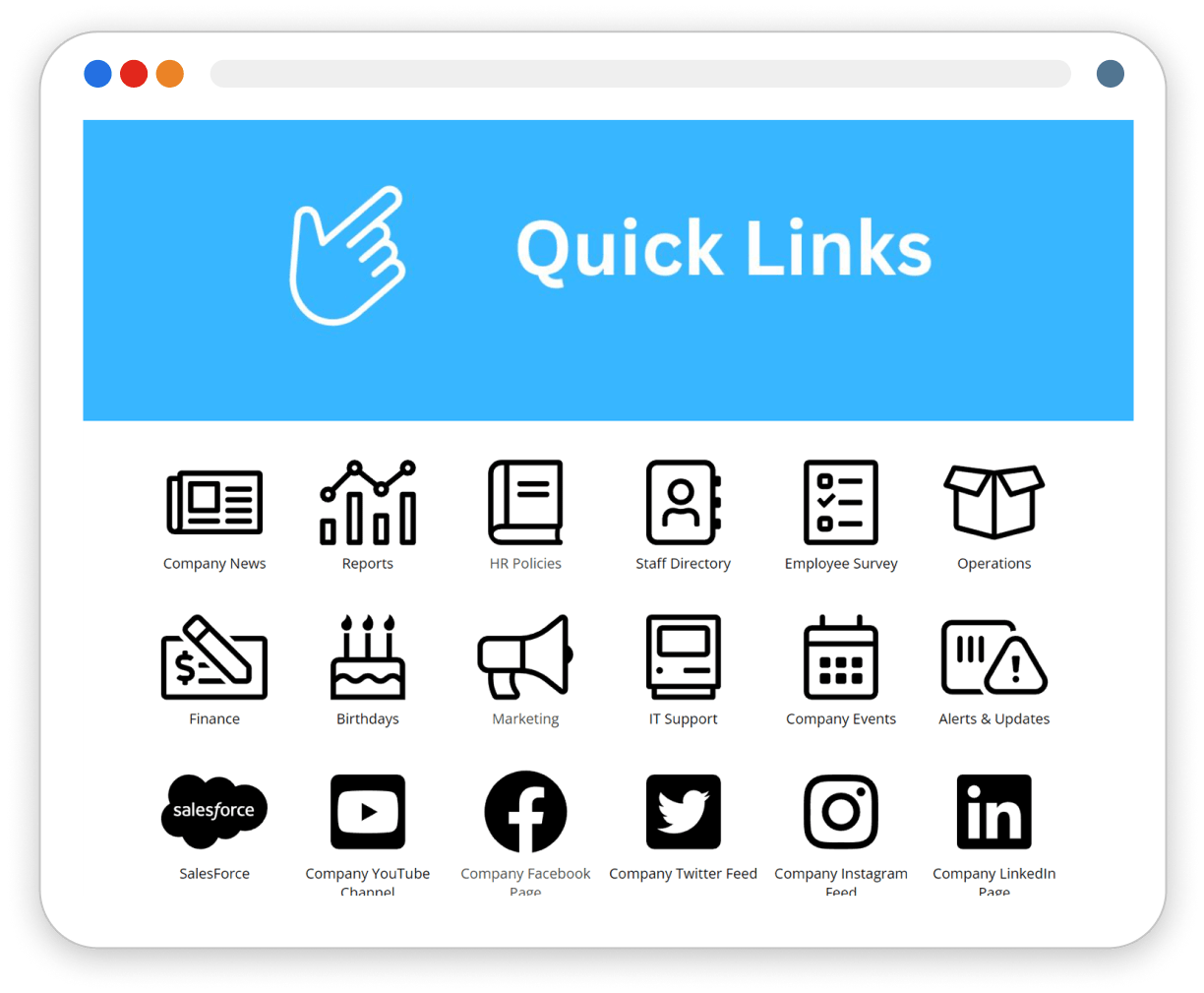
Find documents in no time at all
It all starts with a simple, intuitive layout and great search. With MyHub, your team will quickly access the documents and information they need.

One place to access critical information
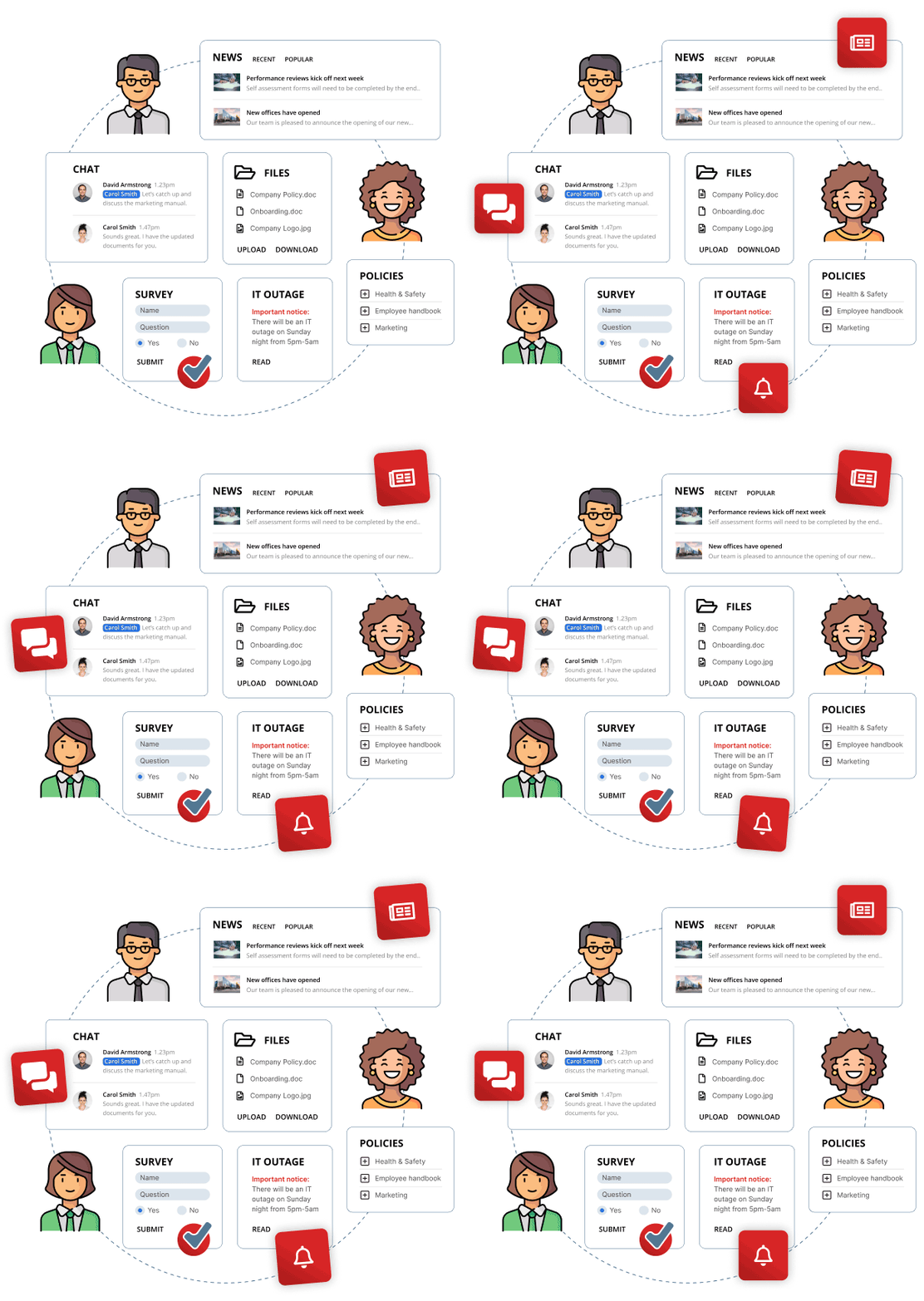
MyHub is a comprehensive publishing platform that offers teams and departments, chat, newsfeeds, forums, blogs, calendars, document storage, automated forms, staff directories, notifications and more. All features are available on all plans.

Check out what our customers say




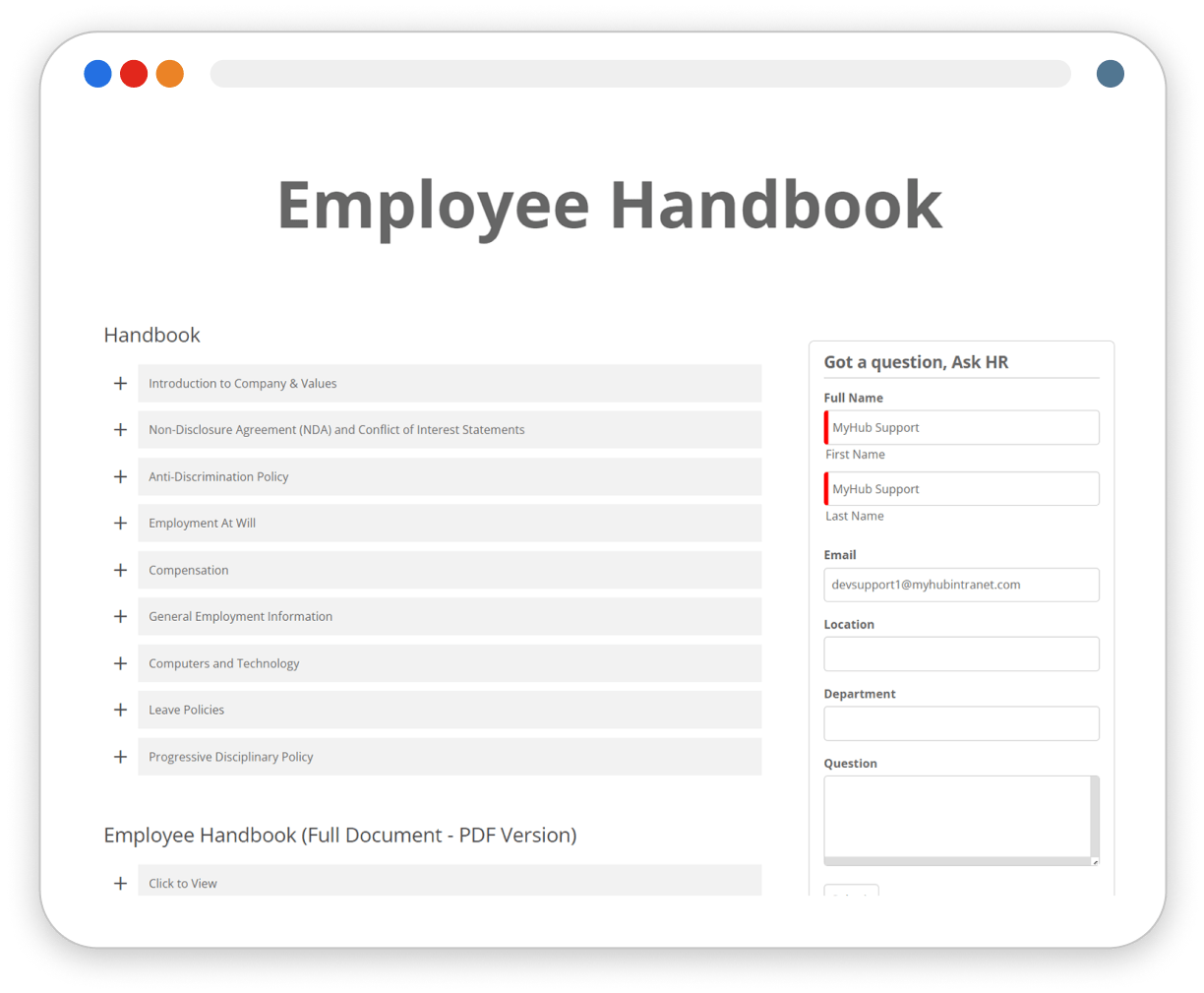
Stop wasting time searching through messages
Messaging apps are great. They help break down communication barriers and eliminate the tyranny of distance. But they are no place to share and store information. Especially critical information that must be up to date.
Searching for files in messaging apps is fraught with danger. In addition to wasting time finding them, you can never be sure you have the correct version. The only way to do this is to have one place where you know the latest version will be. Hint it’s not your file system.

Best Western are now more productive than ever
A long-established global family of hotels, Best Western Hotels & Resorts in Scandinavia is a brand that’s known and trusted throughout the world. It’s certainly a big player in Scandinavia with over 150 hotels situated in Sweden, Denmark and Norway. However, with head office based in the US and a corporate intranet offering that wasn’t geared to local conditions, Best Western Scandinavia set about looking for an alternative solution which brought them to the MyHub intranet.
Quick and easy access to your intranet in your pocket
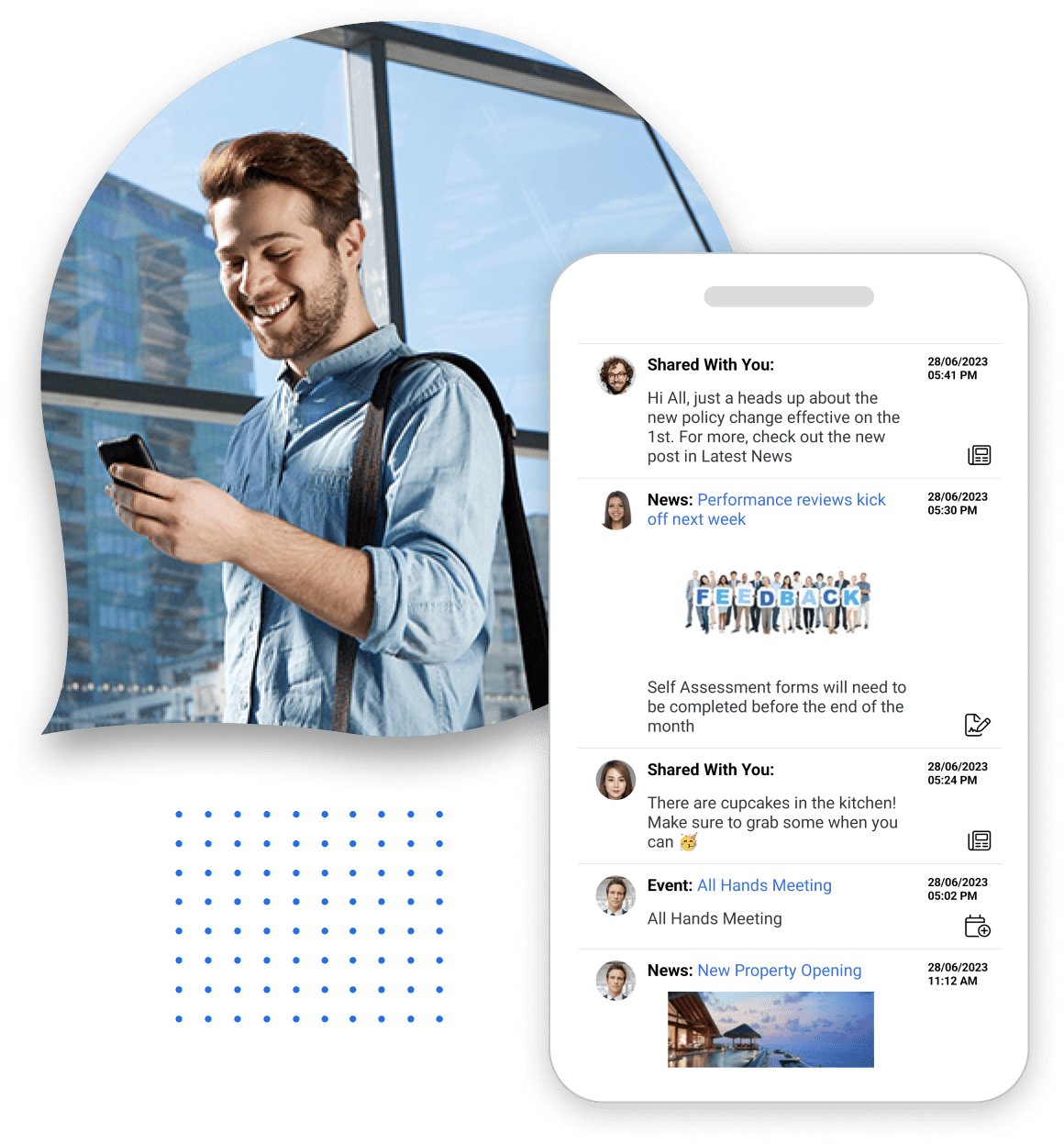
The most essential employees in any business are the ones on the road, often doing the ‘real’ work. So giving these team members information at the right time can materially move productivity. That’s where our mobile app comes in.
Not everybody has a desk job, but they have a mobile device. So when your team needs quick access to information, wherever they are, our mobile app is the first place to go.
The mobile app will enhance how your team works, giving a seamless experience across all devices and providing employees with the same level of access, whether in the office or out and about.
Some interesting articles you may like…

What Is A Mobile Intranet For Retail Workers?
Last updated: September 4, 2026 What Is A Mobile Intranet For Retail Workers? A mobile intranet for retail workers is a smartphone-optimized version...

What Is Intranet Software With AI Search? How It Works
Last updated: September 3, 2026 Intranet software with AI search is an employee intranet that uses artificial intelligence to work out what someone...

What Is Intranet Pricing? Costs And Hidden Fees
Last updated: September 2, 2026 Intranet pricing is what an organization pays to buy, run, and maintain a secure internal network where employees...
Choose the right-sized intranet solution for your organization
Choosing the wrong platform to build your intranet will waste time and money. That’s why it’s an important decision. Many organizations consider the application bundled with their business software suite and will quickly regret that decision. So now is the right time to evaluate your options. Lets compare MyHub to SharePoint.